Turn a prompt or a website into an App Store app
Describe your idea or paste your website. Appmaker designs and codes a native iOS & Android app, lets you test it live, and packages it for the App Store and Google Play.
Apps made with Appmaker
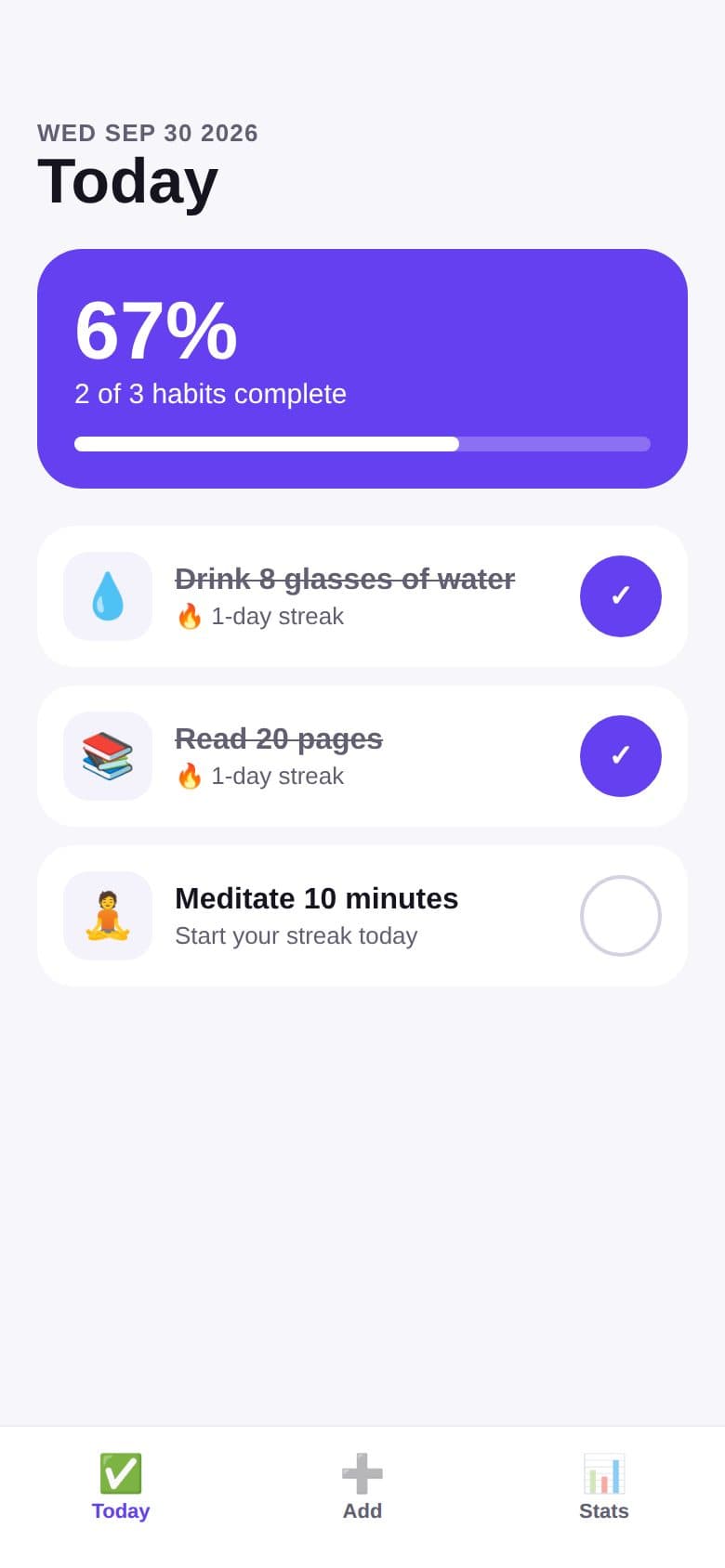
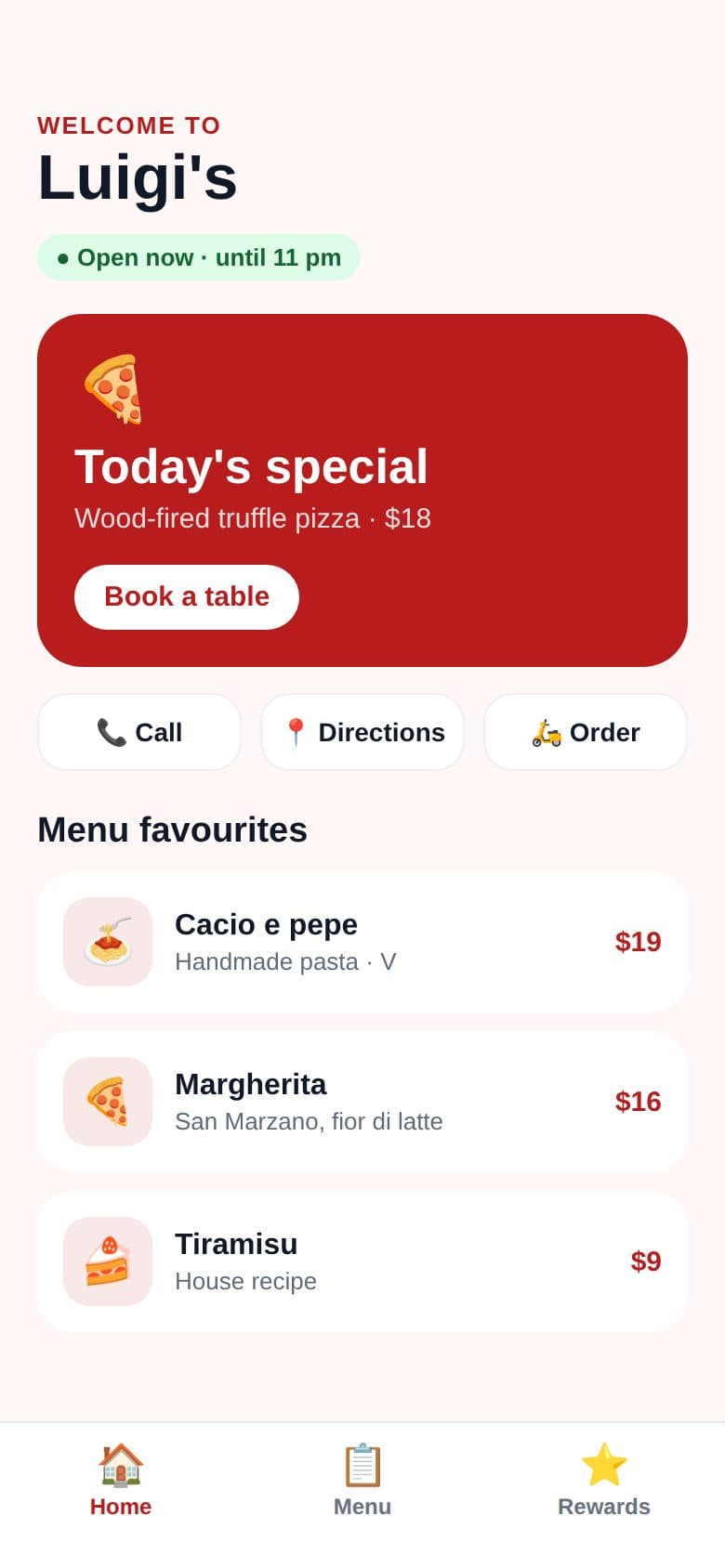
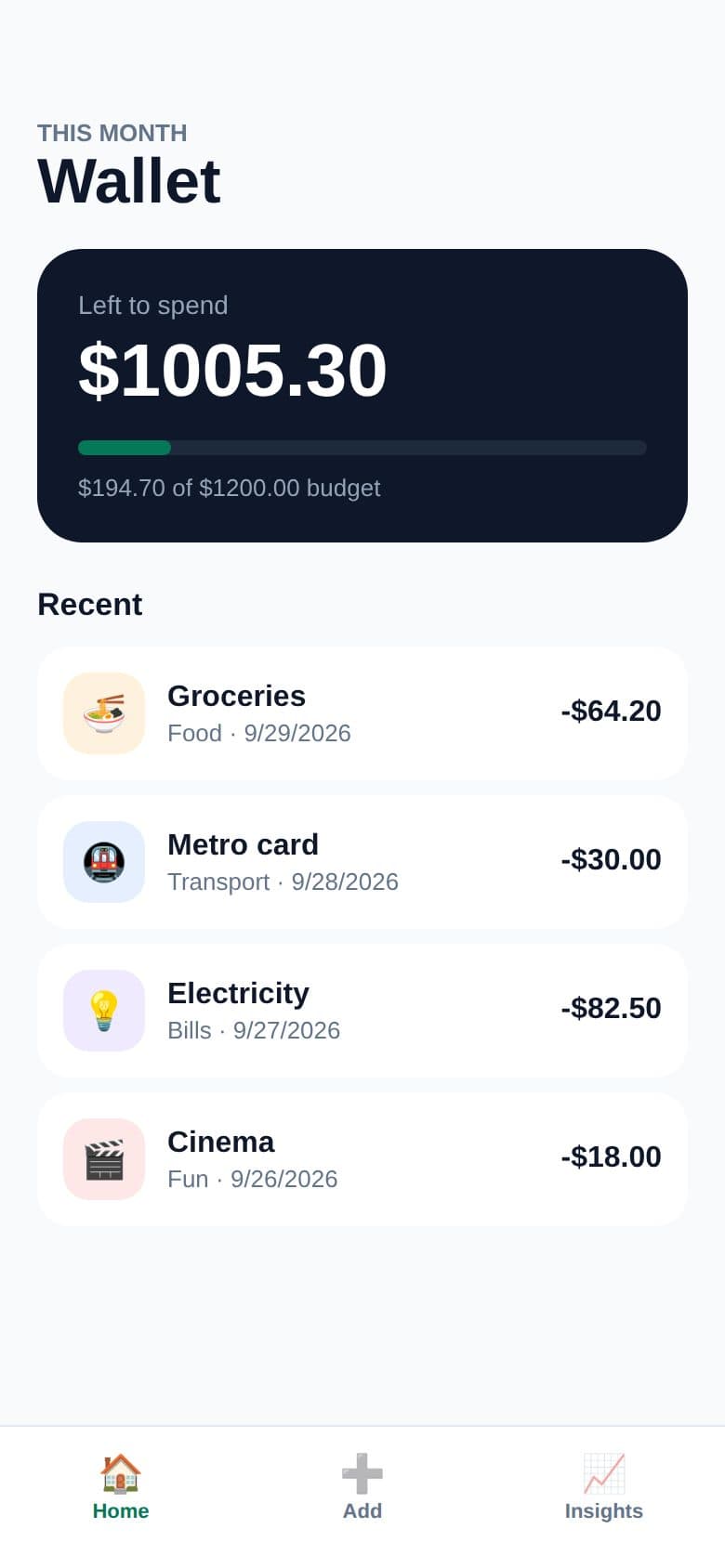
Real screens from Appmaker's app preview. Start from any of them below, or describe your own.
Two ways to make your app
Start from an idea or from a website. Try both: each one gives you a real app you can test on your phone.
Prompt to App
Describe any idea in plain words.
“A habit tracker with streaks, reminders and weekly stats”
- Screens, features and design from one sentence
- Refine it by chatting: “add a dark mode”
- Best for new ideas, tools and personal apps
URL to App
Paste a business website. Appmaker reads it for you.
yourbusiness.com → your business in the App Store
- Uses the site's name, brand colors, logo and photos
- Menu, services, prices and opening hours from its pages
- One-tap call, directions, WhatsApp and booking buttons
Apps you can make today
Restaurants, salons, gyms, shops, trackers and more. Hover to pause.
Restaurant or café
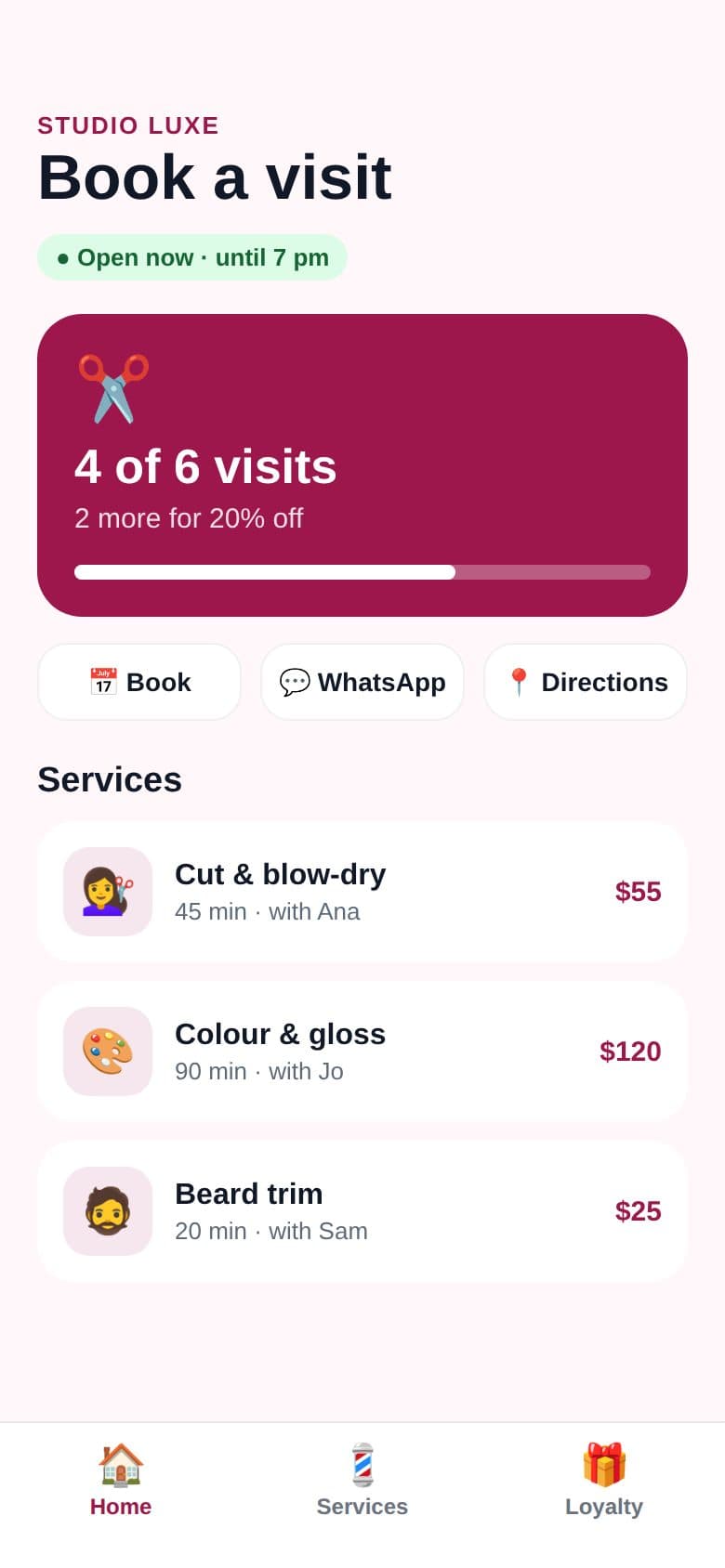
Salon or barber
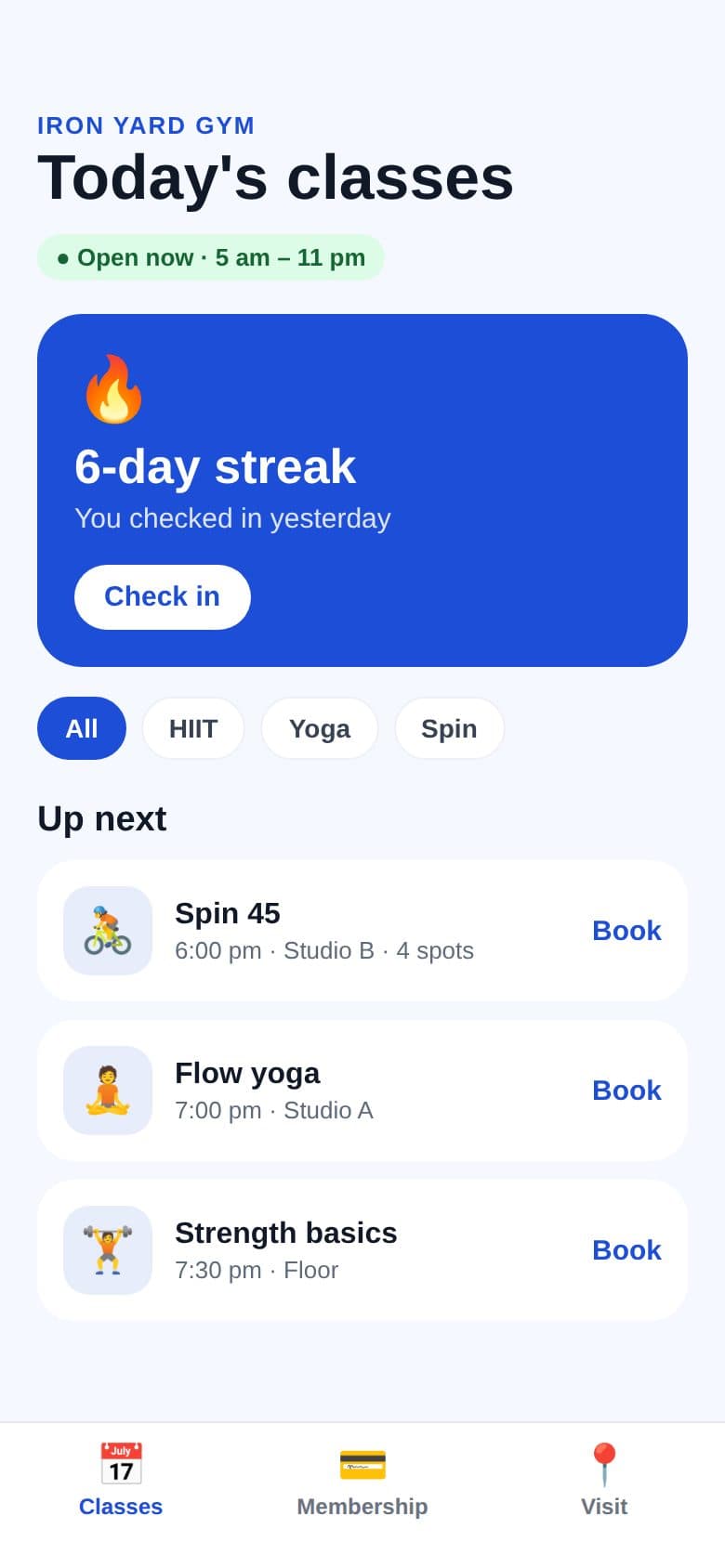
Gym or studio
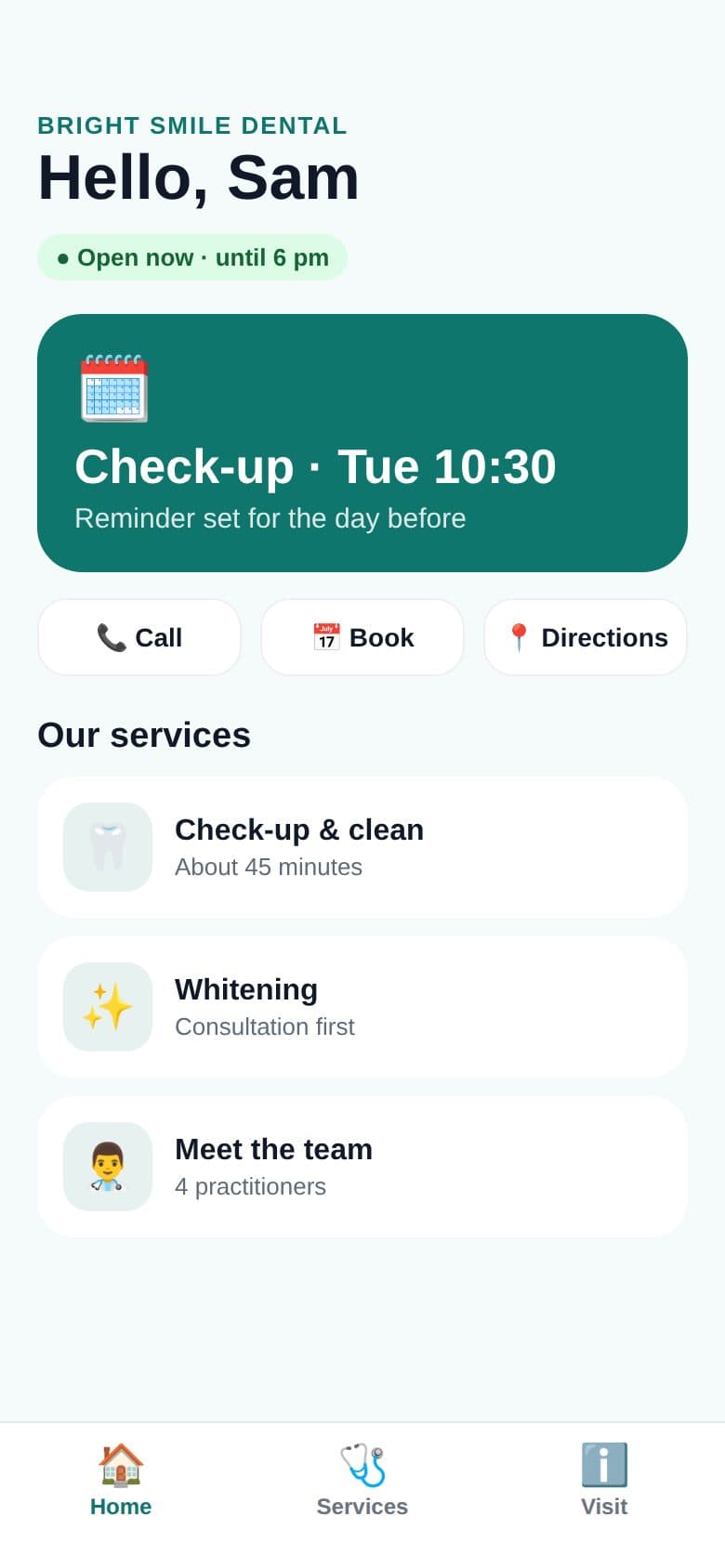
Clinic or dentist
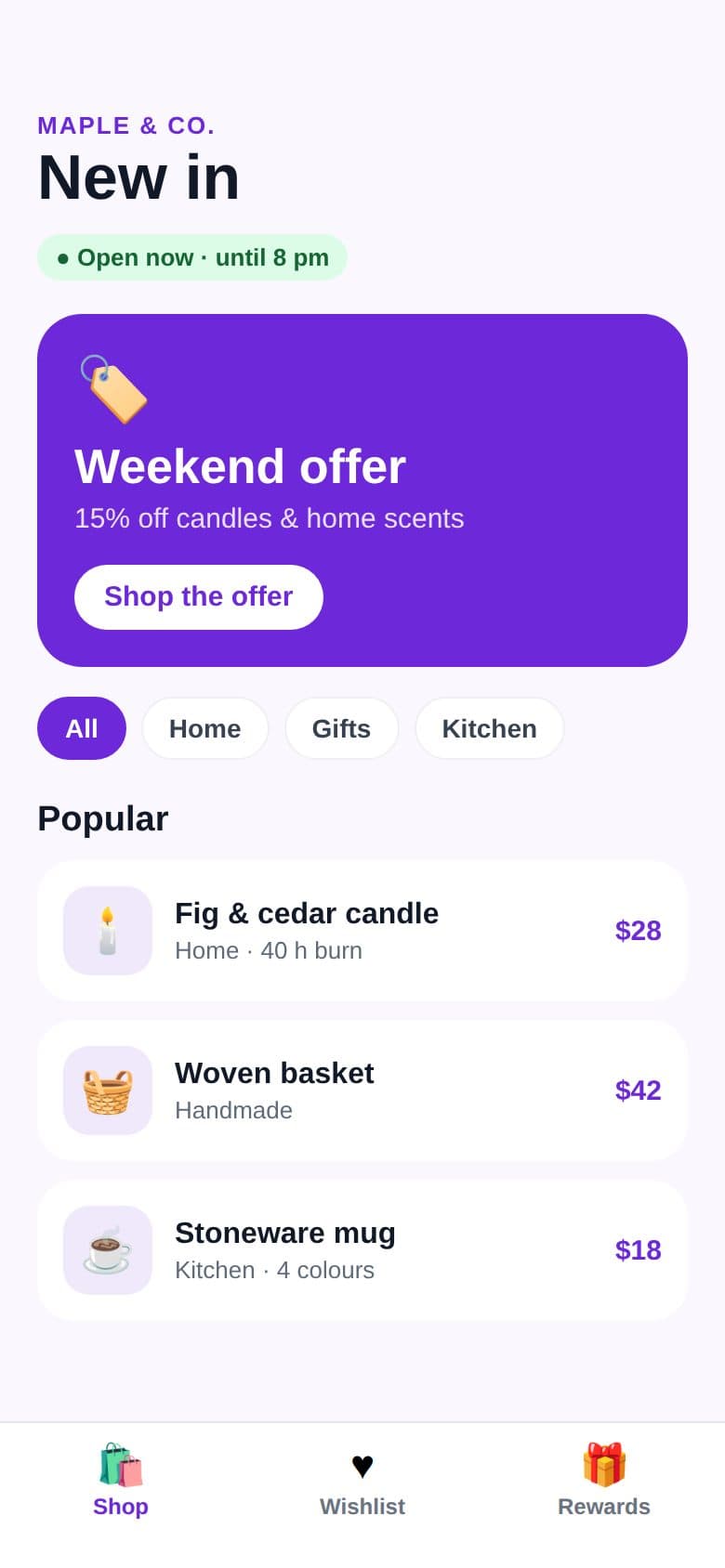
Local shop
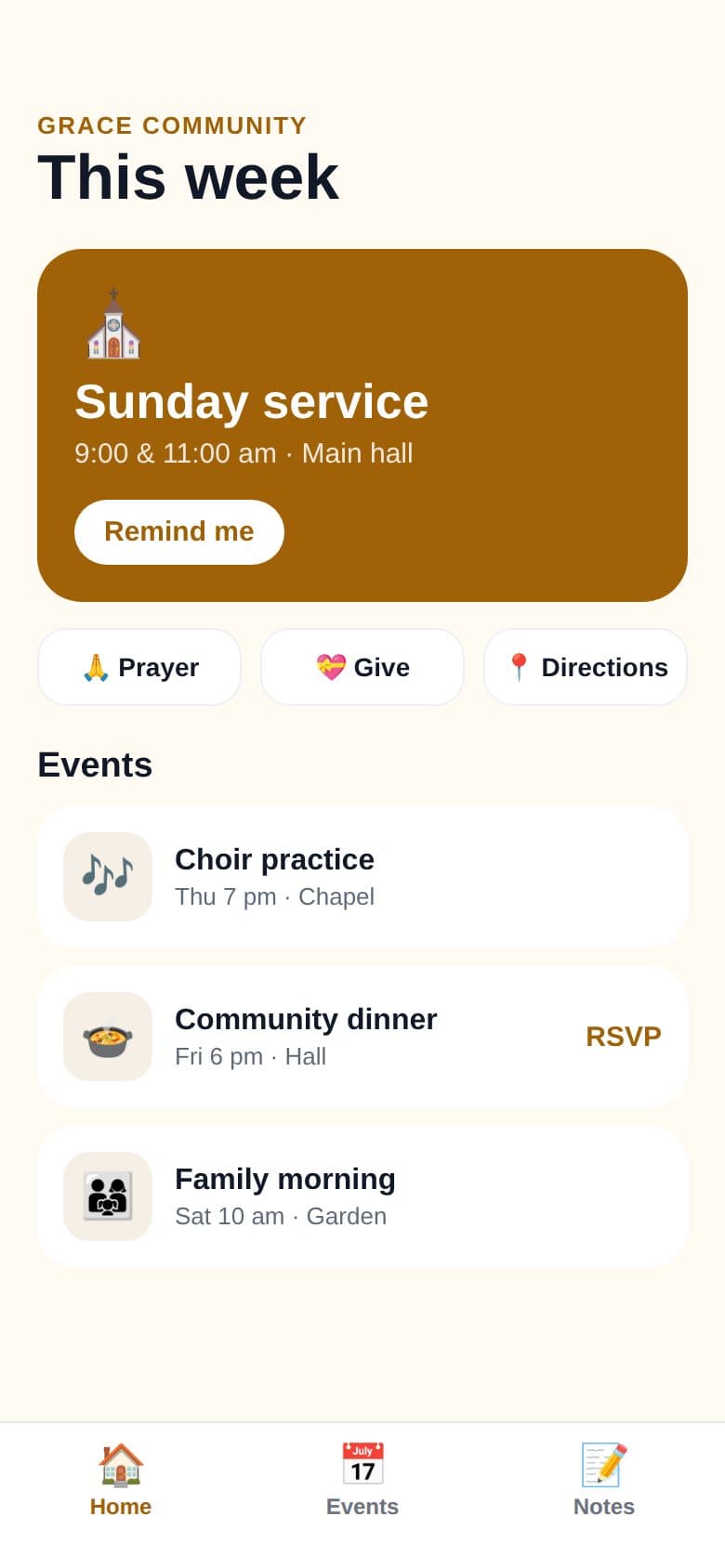
Church or community
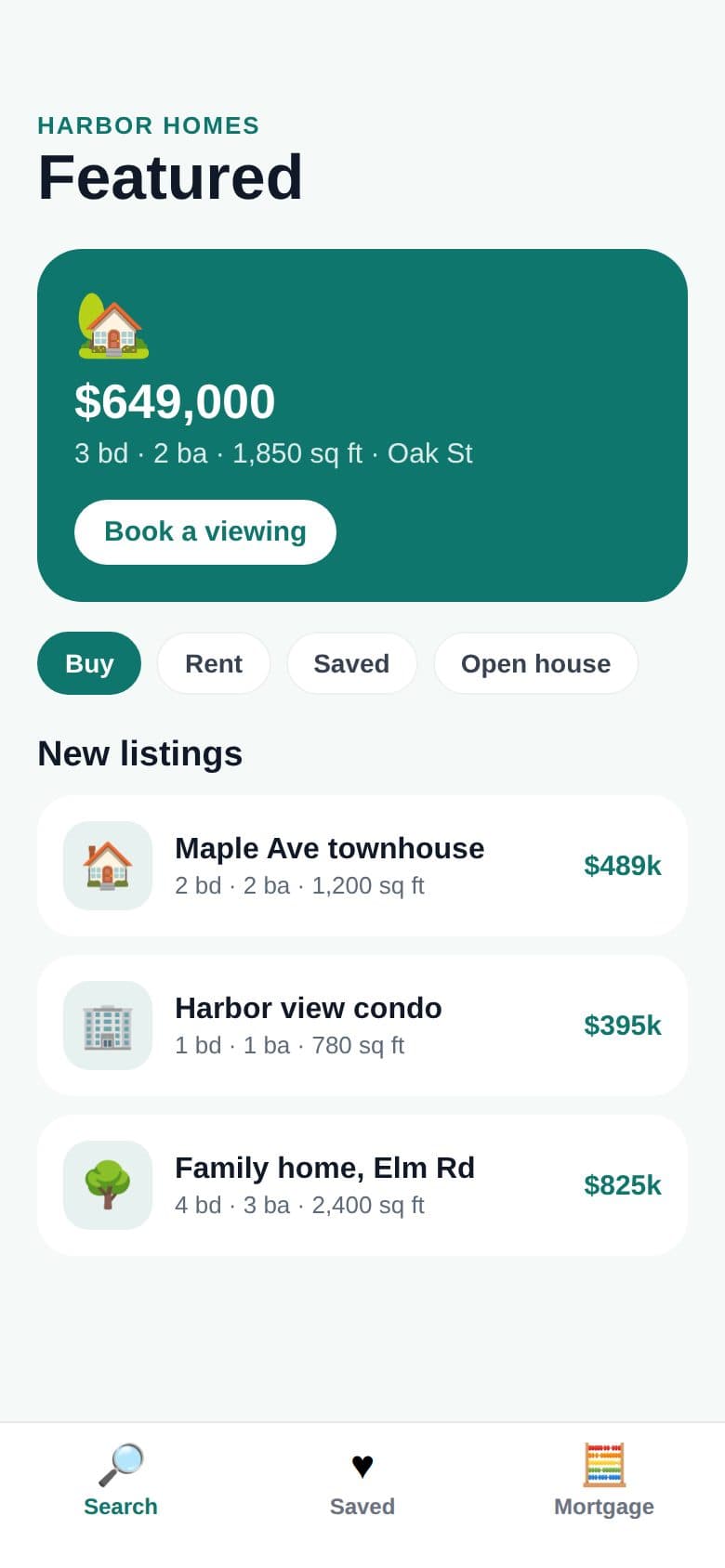
Real estate agent
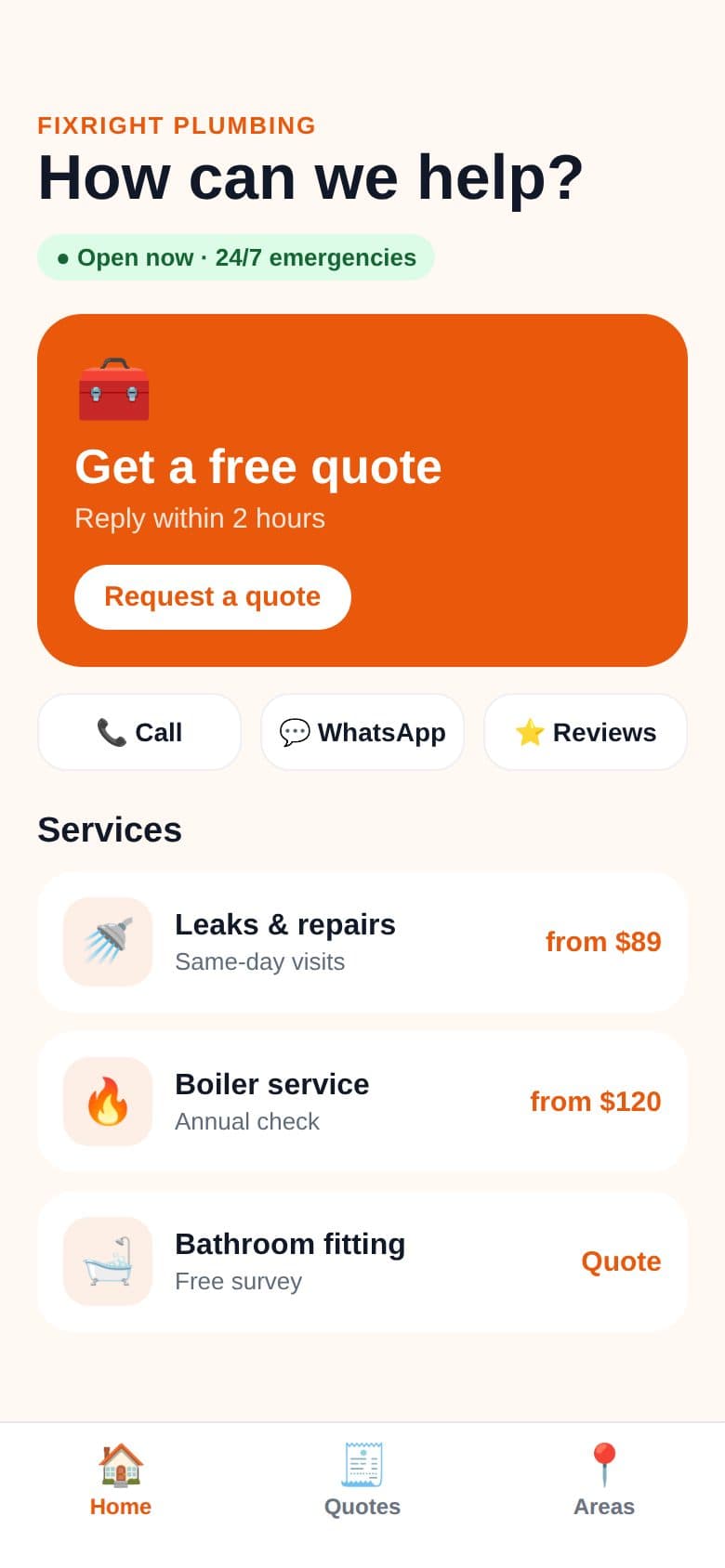
Home services
Habit tracker
Budget planner
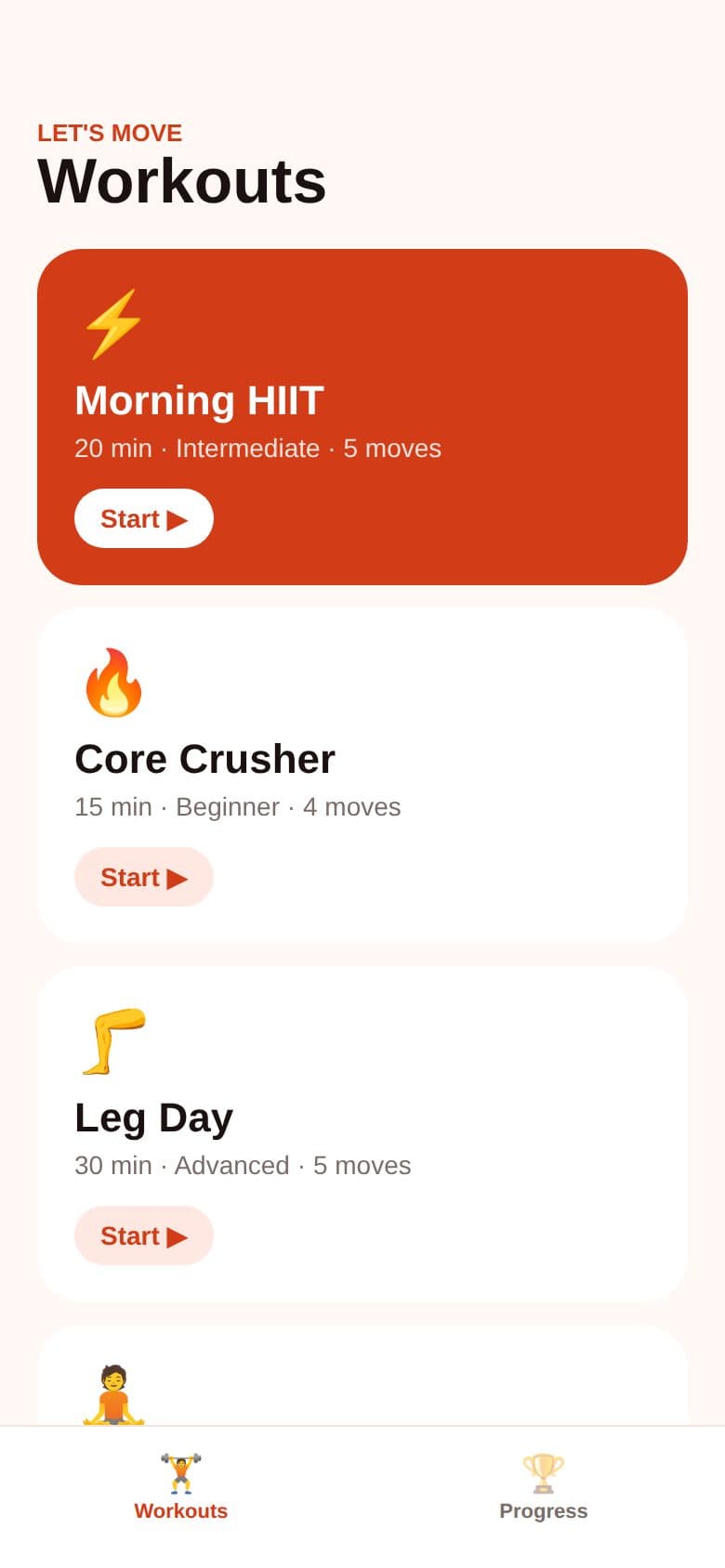
Home workouts
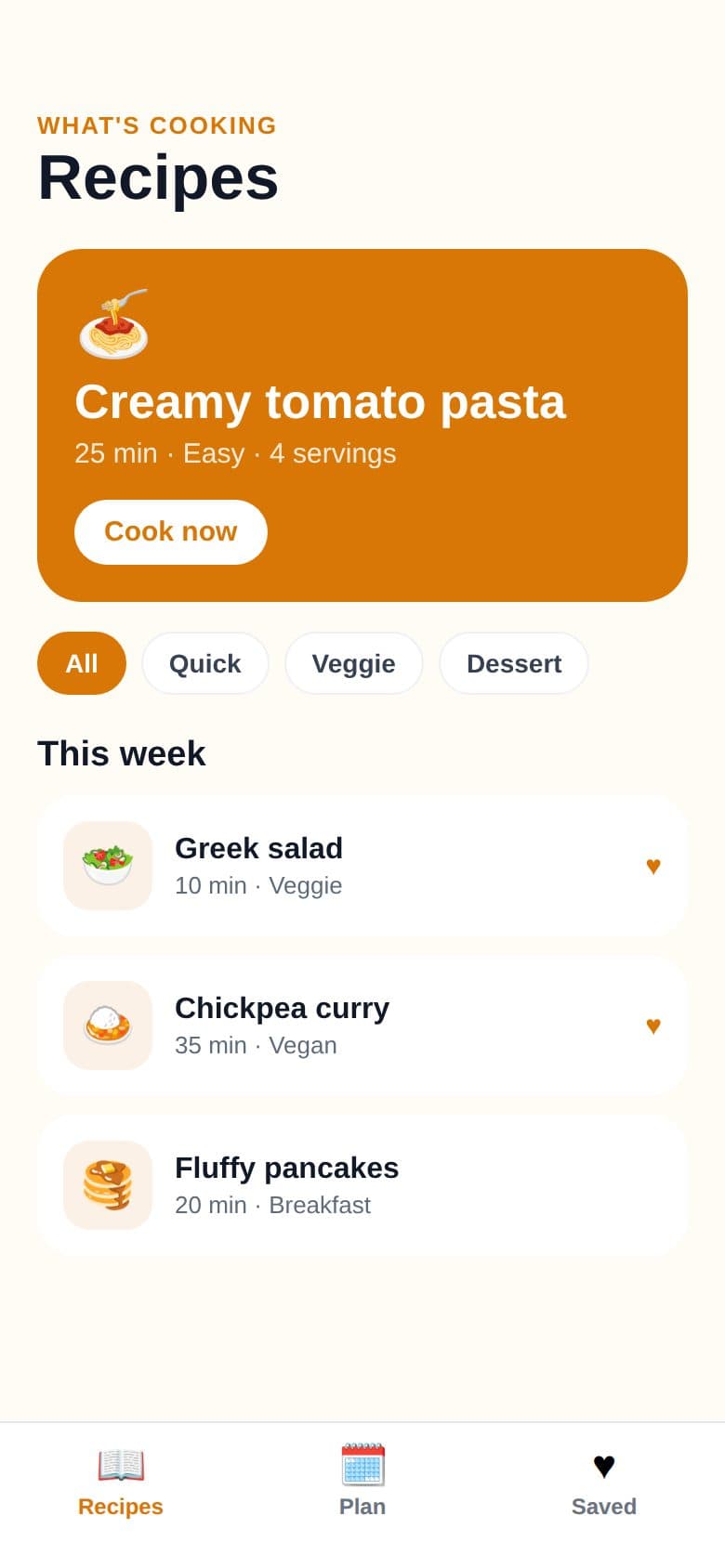
Recipe box
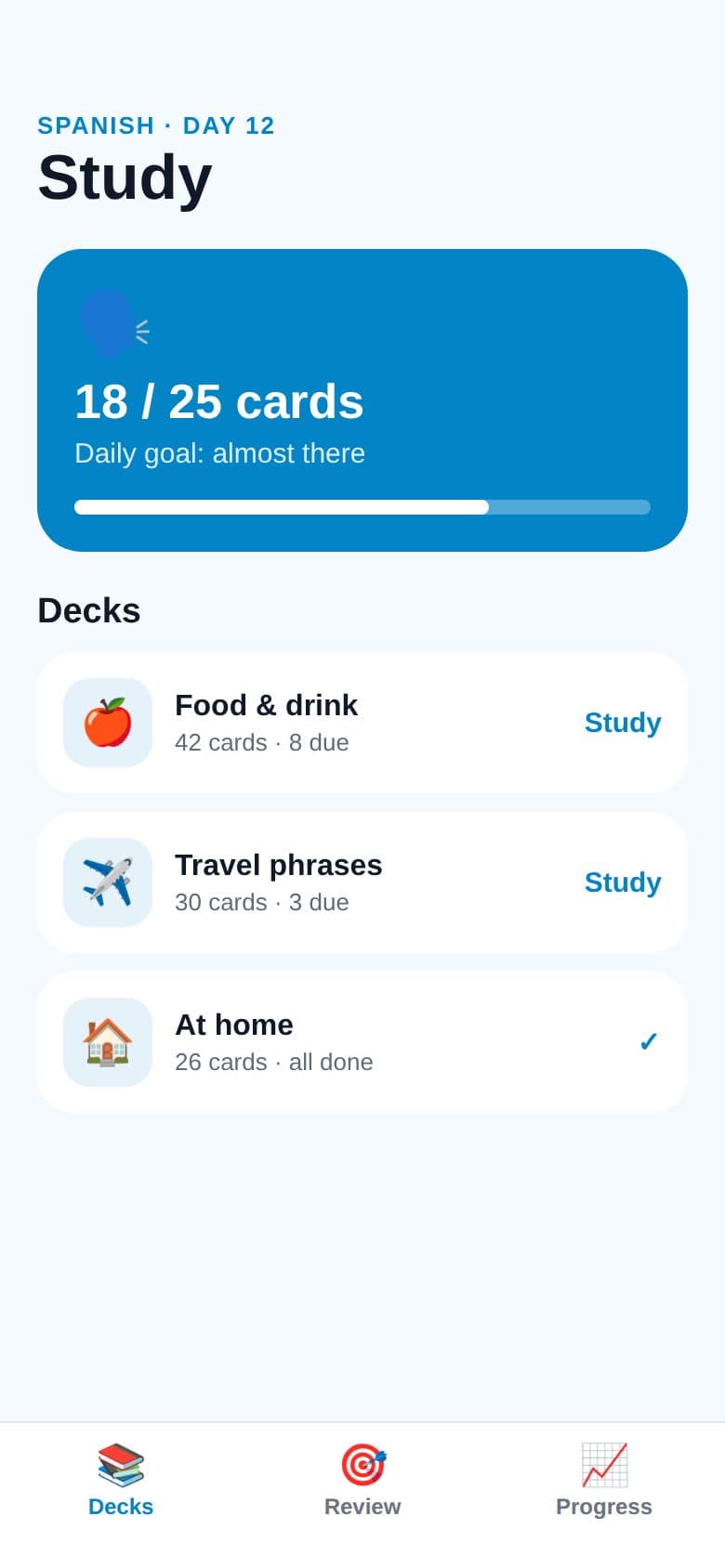
Language flashcards
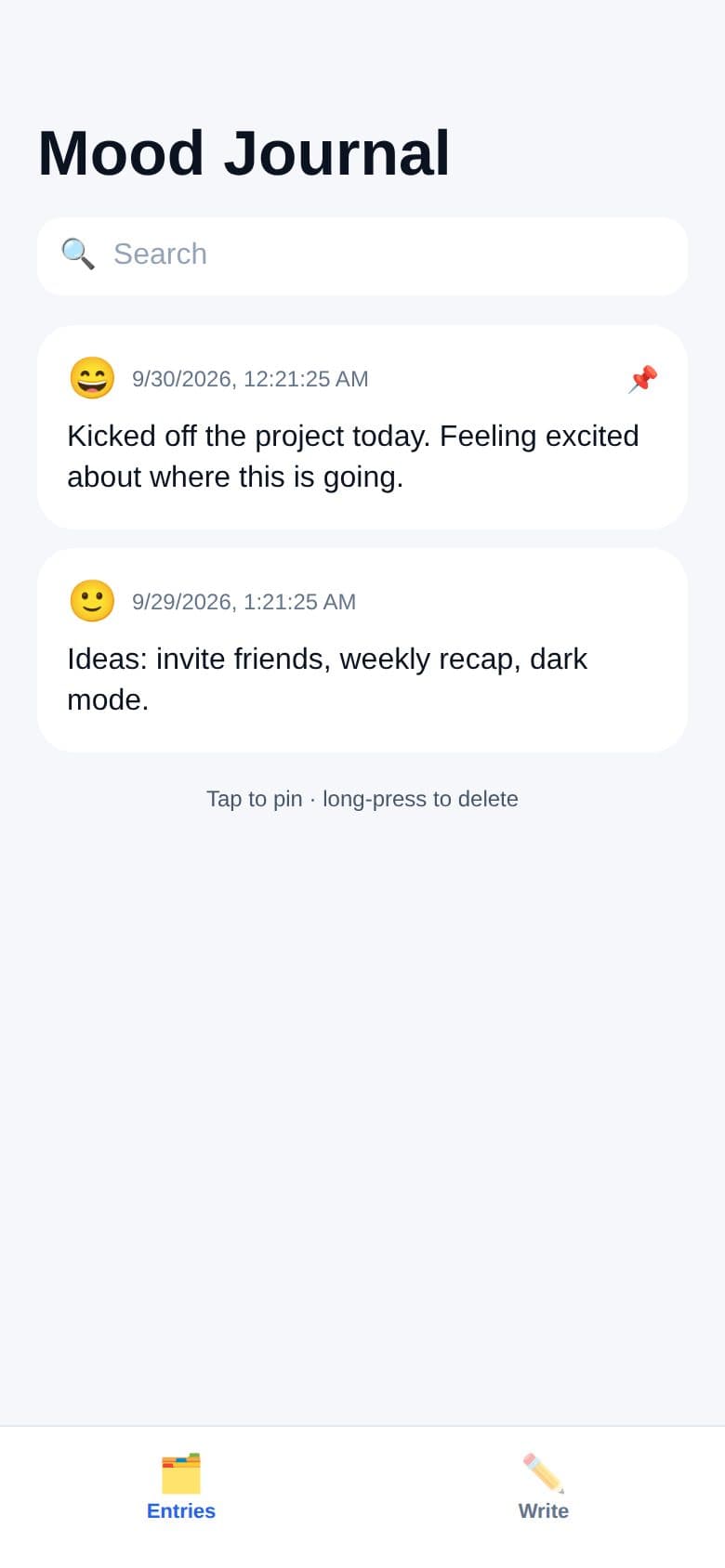
Mood journal
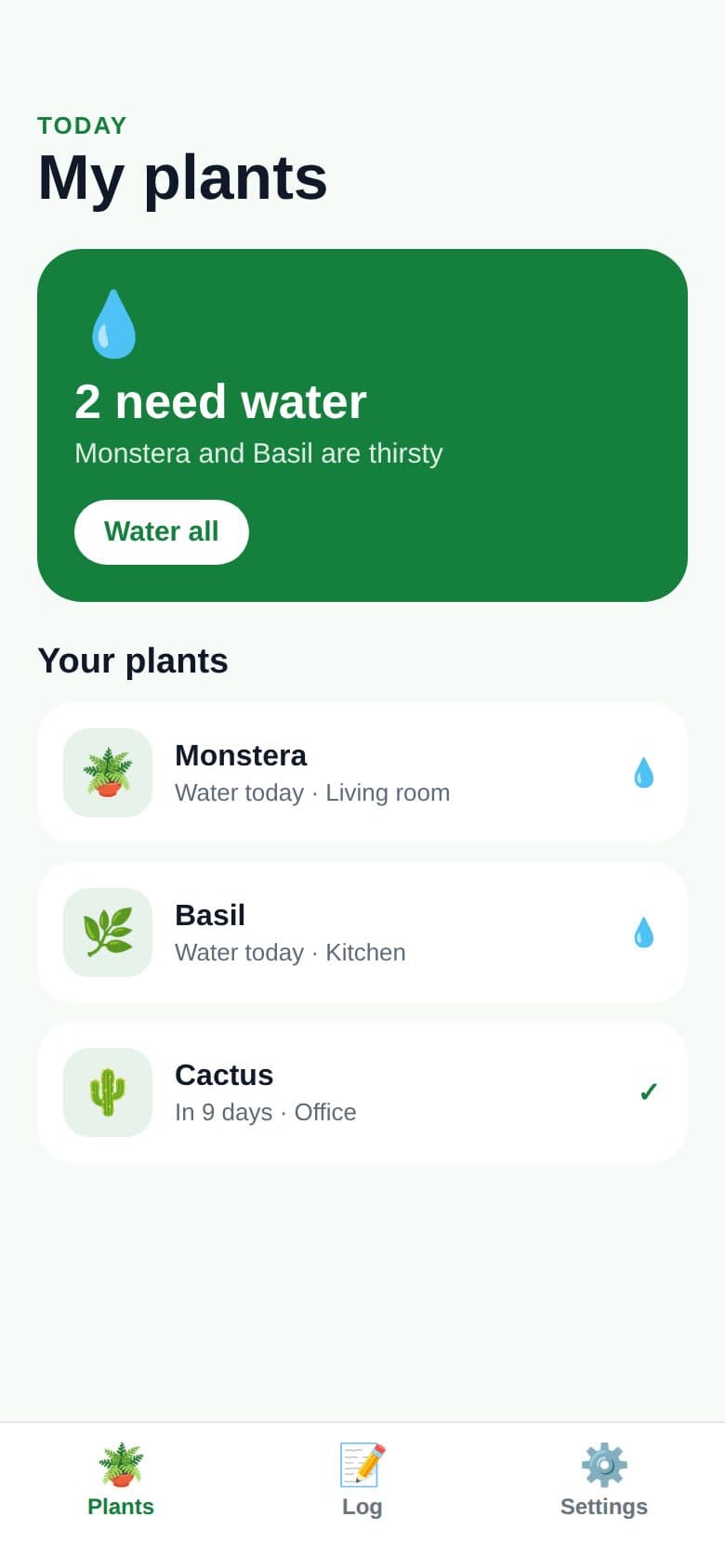
Plant care
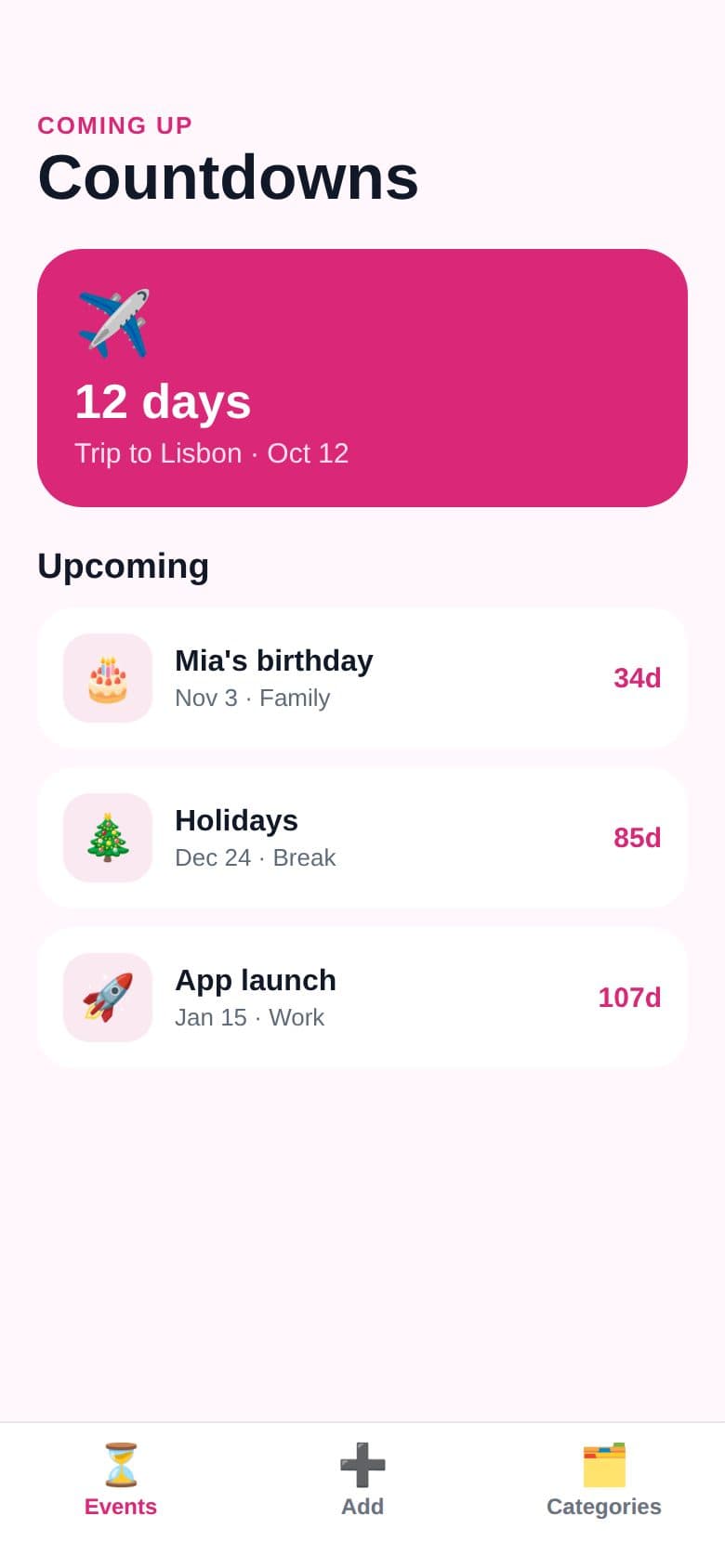
Event countdown
From idea to store in three steps
Describe it or paste a URL
Tell Appmaker what you want in plain English, or paste your website and it reads your brand, content and contact details. No code, no drag-and-drop.
Watch it come alive
A real React Native app is written live and runs instantly in an iPhone or Android preview. Chat to refine it.
Ship to the stores
Get an App Store–ready listing, icon and a production Expo project with one-command builds for iOS and Android.
AI app engineer
Multi-screen apps with navigation, persistence and real content — not mockups.
Instant live preview
Every change runs in a device frame in under a second. Tap, type and test.
You own the code
Clean Expo + React Native source. Edit it here or take it anywhere.
Store listing studio
Name, subtitle, keywords, description and category written for ASO.
Your logo as the icon
Upload your logo for a store-ready 1024×1024 icon, or generate one from your brand color and an emoji.
Review-ready defaults
Bundle IDs, privacy notes, build numbers and EAS config set up for you.
An app for your business
Pick your kind of business, fill in the [bracketed] details, and get an app with your menu or services, opening hours and one-tap call, directions and booking. Or use URL to App above and Appmaker fills them in from your website.
Start from a template
Pick one to start from — tweak the description, then build and refine it with chat.
Simple pricing, no subscriptions
Try it free. Pay with credits only when you're ready to ship.
Try it
See your idea as a real app in a minute.
- 1 free AI build a day
- Live iPhone & Android preview
- Download the Expo project
Free account
Keep building and test on your phone.
- 10 credits every month (≈ 3 new apps or 10 changes)
- Apps saved to your account, on any device
- Test on your phone with Expo Go
- Design settings, support page & privacy policy
- Made with Appmaker line in your apps
Paid
No subscriptionBuy any credit pack and ship to the stores.
- 50 credits for $9 (≈ 16 new apps or 50 changes)
- Credits never expire
- App Store & Google Play builds
- Live updates from your website
- No Made with Appmaker line
- Unlocked for good with your first pack
Questions
Are these real native apps?+
Yes. Appmaker writes Expo React Native code — the same stack behind apps from Microsoft, Shopify and Discord. It compiles to genuine iOS and Android binaries.
How do I publish to the App Store and Google Play?+
Open the Publish tab, polish your listing and icon, and build in the cloud: no Mac or Xcode needed. iPhone builds can upload straight to App Store Connect. You can also download the project and build it yourself. You'll need an Apple Developer ($99/yr) and Google Play Console ($25 one-time) account.
Can I keep editing after the first version?+
Absolutely. Chat with Appmaker to add screens, change the design or fix bugs. You can also edit the code by hand in the Code tab.
Do I need to know how to code?+
No. But if you do, you get clean, idiomatic source code you fully own.
Who is responsible for what's in my app?+
You are. You decide what your app says and does: its text, claims, prices, images and features, and its store listing. Make sure everything is true, accurate and allowed, and follows the law and Apple's and Google's rules. Appmaker's claim-safe wording and health and money checks help, but they can't catch everything and aren't legal advice.
How does pricing work?+
There are no subscriptions. Try it without an account, or create a free account for monthly credits. When you're ready to publish, buy any credit pack: credits never expire, and your first pack unlocks store builds and the other paid features for good.